Yekaterinburg Address Plate PDF-Generator
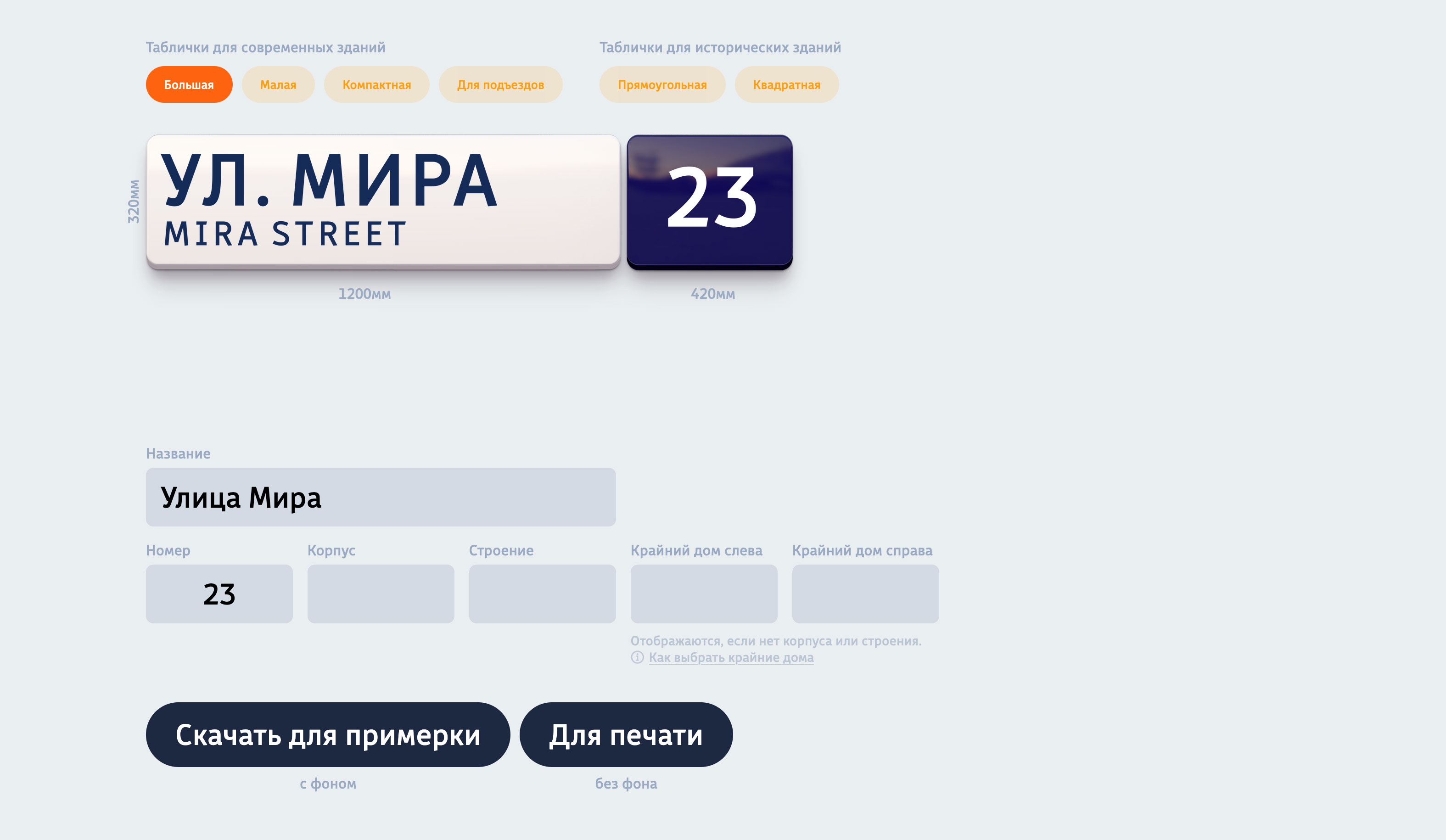
The generator allows you to create PDF files according to address plaque design rules directly in the browser,
It instantly generates 1- and 2-page CMYK files for production or preview.
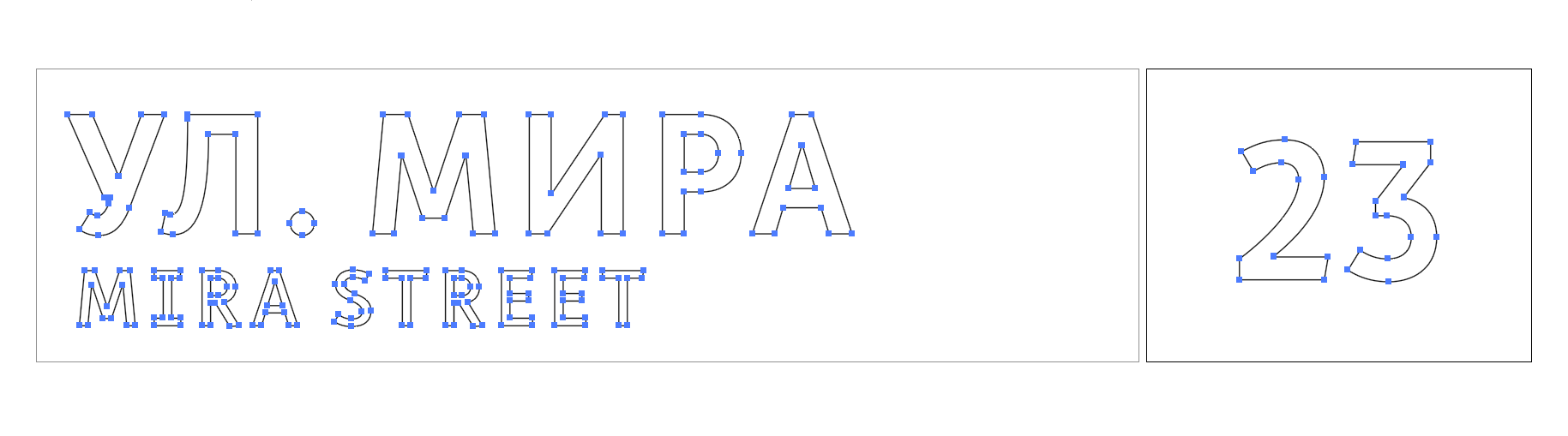
All text is outlined (converted to curves), so no fonts are required to open the file in production.
Generate address plaques right in the browser — strictly following a 70-page design guide in CMYK/mm
How it works
The PDF generator works in any browser. You simply go to the website, select the desired street from the list, choose a template, and enter the house or entrance number. Done!
What the generator does:
- adjusts the font size;
- validates the house number: length, letter suffixes, building, structure;
- positions elements according to design rules;
- handles transliteration;
- uses the correct generic term with or without abbreviation (ul., per., and others);
- creates a 2-page PDF file — one page for the street name, another for the house number;
- adds left or right arrows;
- wraps long street names by words or according to predefined rules using soft hyphens (shy);
- shows a file preview on a realistic 3D mockup of the required size;
- converts fonts to outlines (curves);
- includes a background for mockup purposes in the file;
- generates a unique file name based on all address plaque parameters.
And best of all — every detail follows the rules, no mistakes!




Features
All layouts in one place
The team behind Yekaterinburg's Design Code developed not only the signage rules but also a compact UI design.
The entire range of layouts fits on a single page within one form. Once you've selected the street and house number, you can switch between templates without losing any data.
Preview
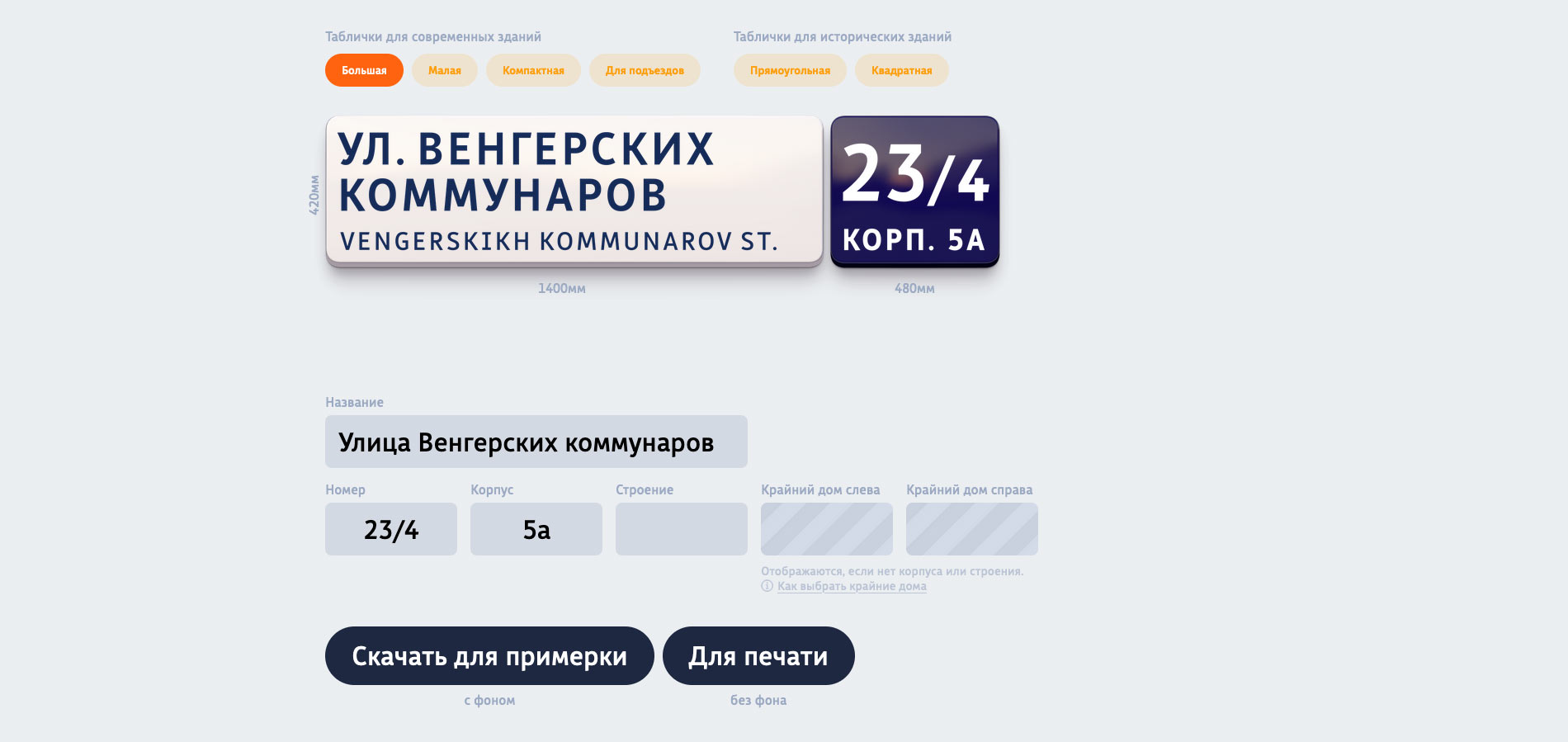
For the preview, a PDF file is generated, and a transparent image of that PDF is overlaid onto a 3D visualization of the actual substrate. This isn't just an approximate mockup — it's the exact final PDF file that will be downloaded.
If the layout spans 2 PDF pages, each page is overlaid onto its corresponding part of the substrate separately 😎.
The preview shows all dimensions in millimeters for every substrate type. You can download the file with a mockup background or without it — ready for printing.
Typography: kerning and outline conversion
Characters in layouts are positioned precisely according to the guide, with proper kerning and tracking. All letters are converted to outlines (curves), and the final PDF file contains no embedded font information whatsoever.
Streets, lanes, dead ends — and even highways
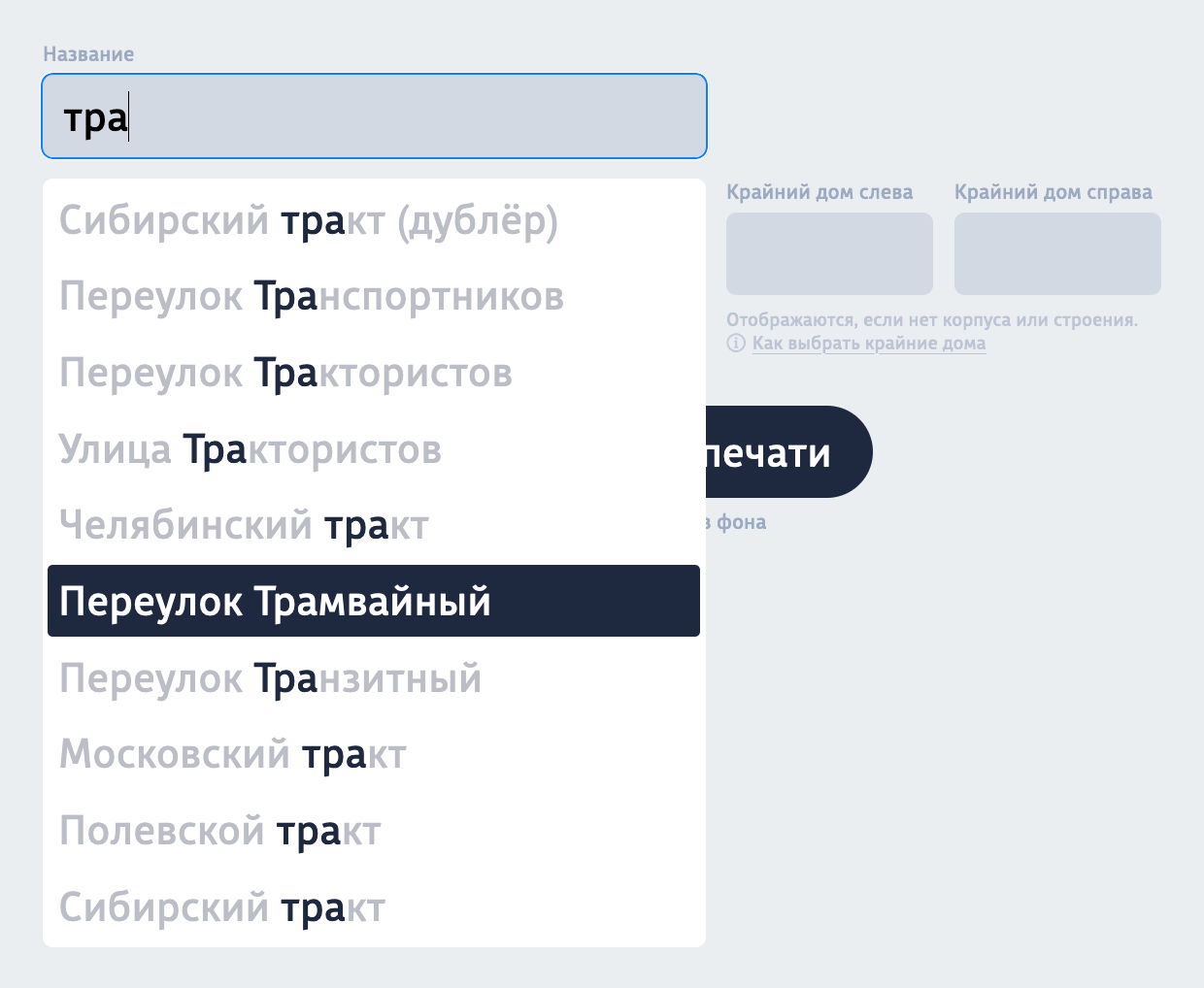
The generator pulls its street list from a Google Sheet. Just type the first few letters of the name and select from the suggested list using your cursor or arrow keys:
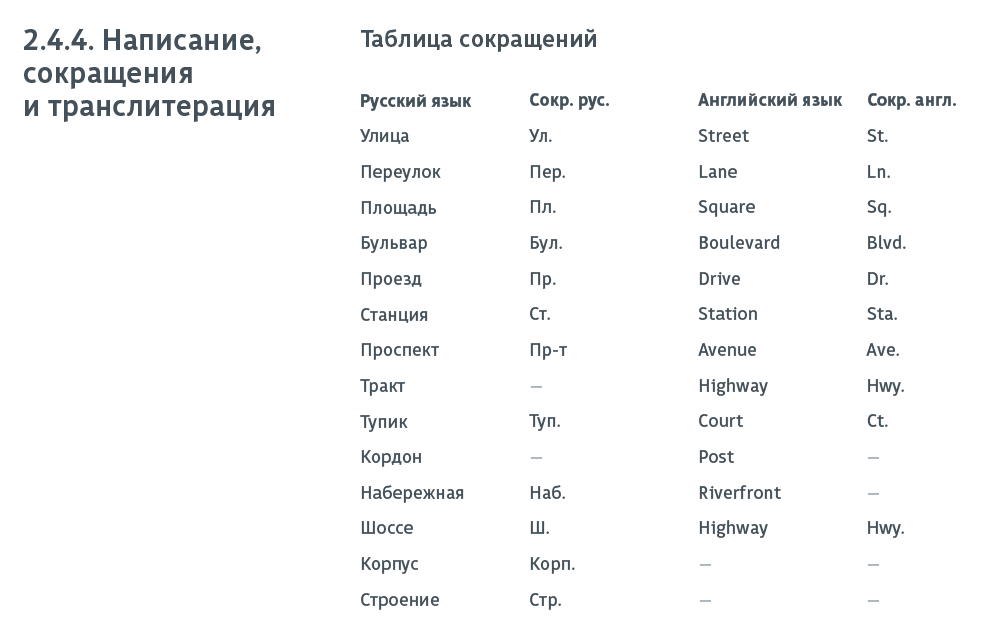
For generic terms (like "street", "lane", etc.), the generator follows full and abbreviated form rules, including in English:
Validation and hints
When generating a layout, certain rules cannot be broken.
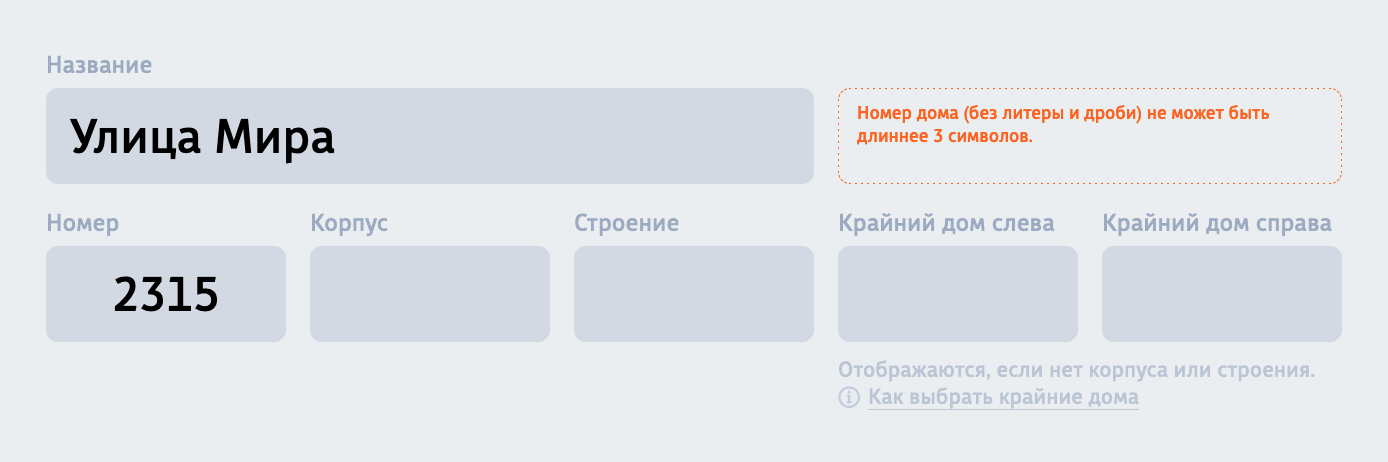
For example, a house number cannot exceed 3 digits (excluding fractions and letter suffixes). Or, after a fraction slash, no more than 2 characters are allowed. In such cases, the generator shows an error message and prevents layout creation:
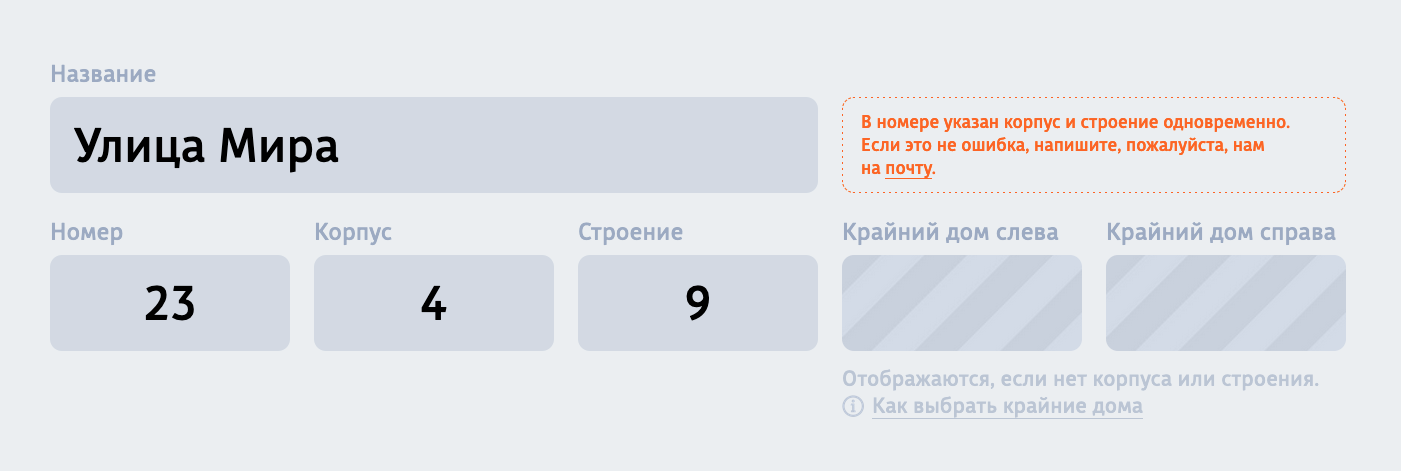
There are also recommendations — warnings that appear but still allow layout generation.
For instance, if a house number unexpectedly includes both a building and a structure:
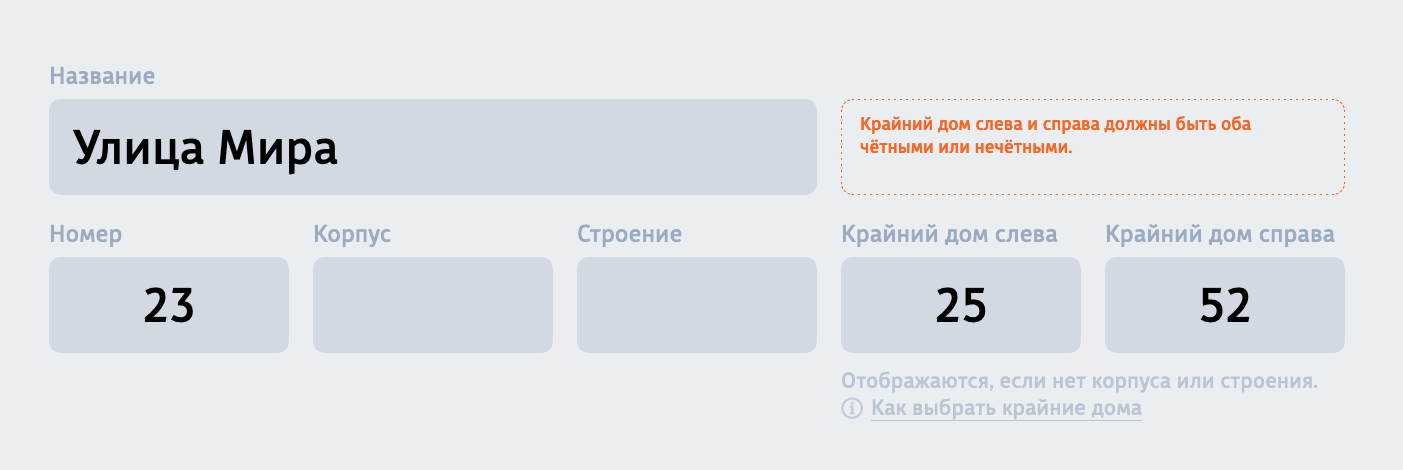
Or the generator may suggest that numbers on arrow signs should all be even or all odd:
File naming
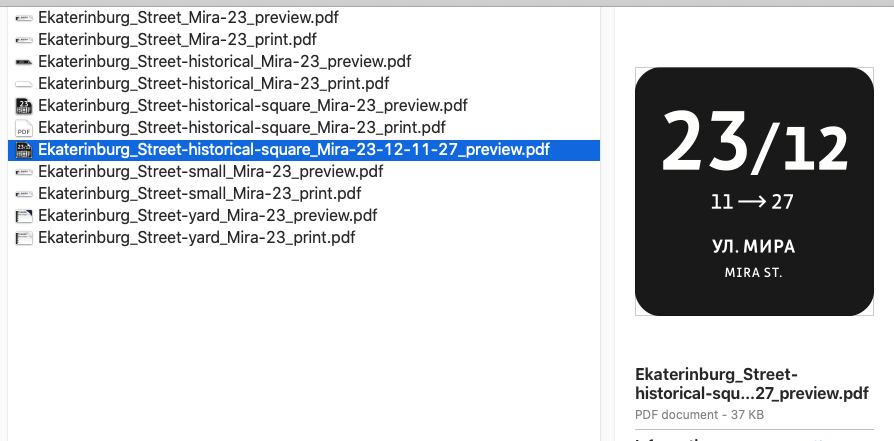
The generator doesn't just follow every design rule — it also makes each downloaded file name unique by including all generation parameters. Everything will be clearly visible in your file list, so you can filter by street name: