Adobe Script for Illustrator or InDesign
An Adobe script is a file containing commands for Adobe applications — Illustrator or InDesign.
Scripts can perform simple operations like generating objects or finding elements, as well as complex tasks — creating masks, symbols, color validation, and more.
How to run a script in Adobe?
The easiest way to run a script in Illustrator or InDesign is to drag the script file directly into the application window.
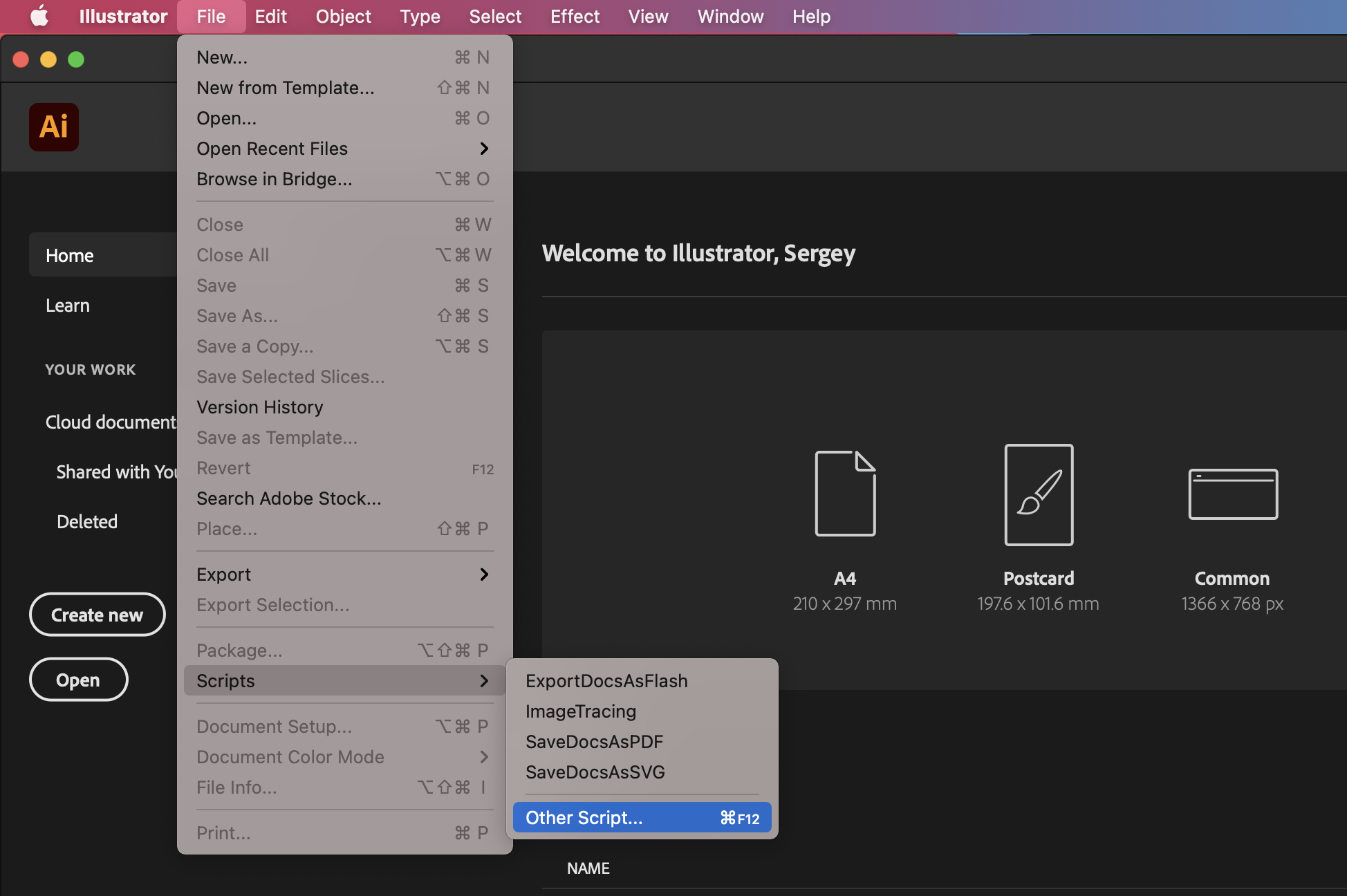
You can also run a script via the menu (⌘F12):
Use Cases
Scripts are most commonly used for repetitive operations — routine tasks. If a recurring process can be described in logical steps, that's a good reason to contact a developer to simplify your work and eliminate manual drudgery.
Another key use case for scripts is generating large volumes of objects based on data and layouts. This approach eliminates data transfer errors, as such operations are typically executed flawlessly.